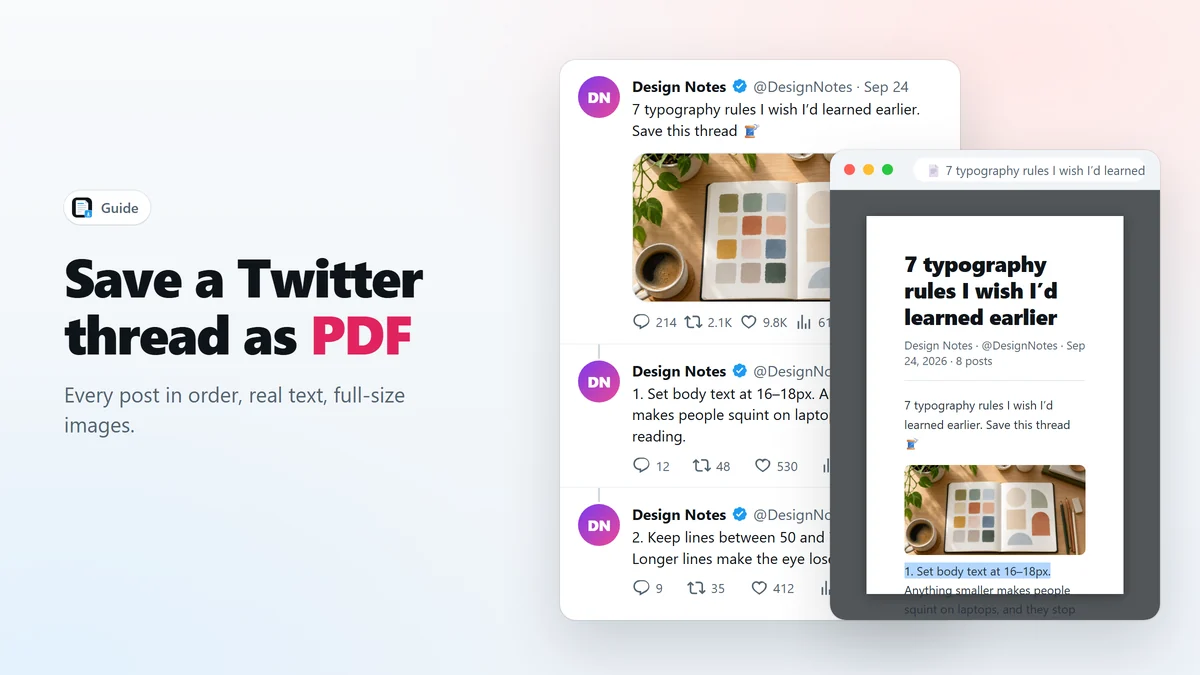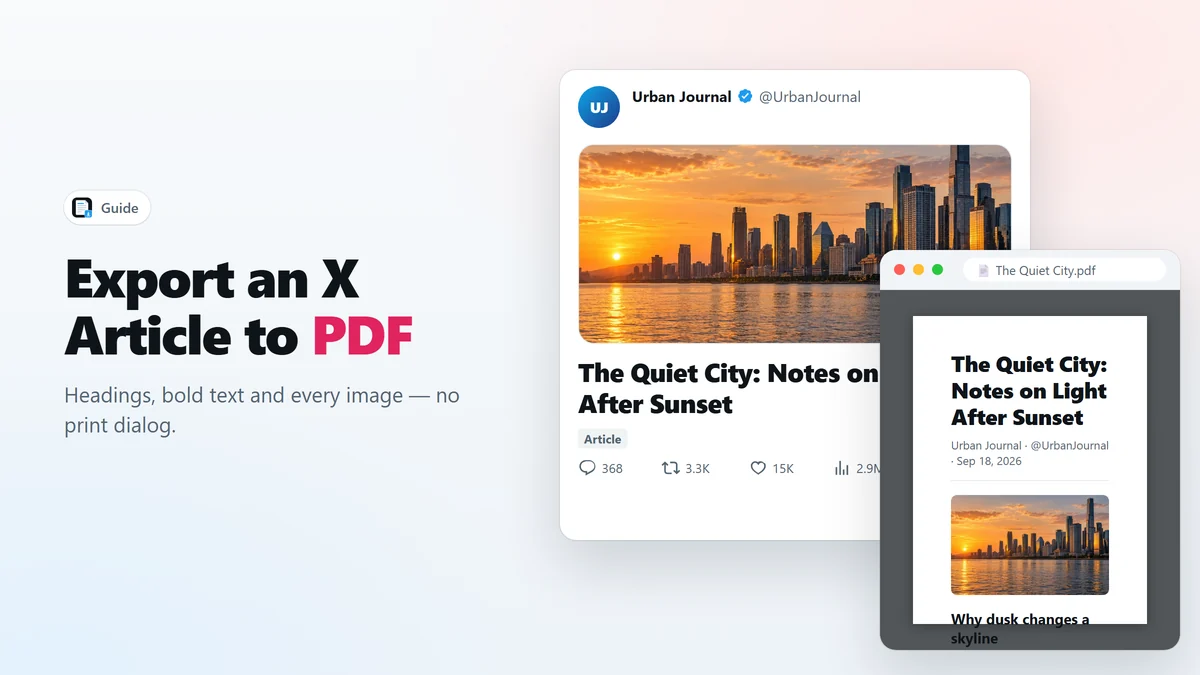
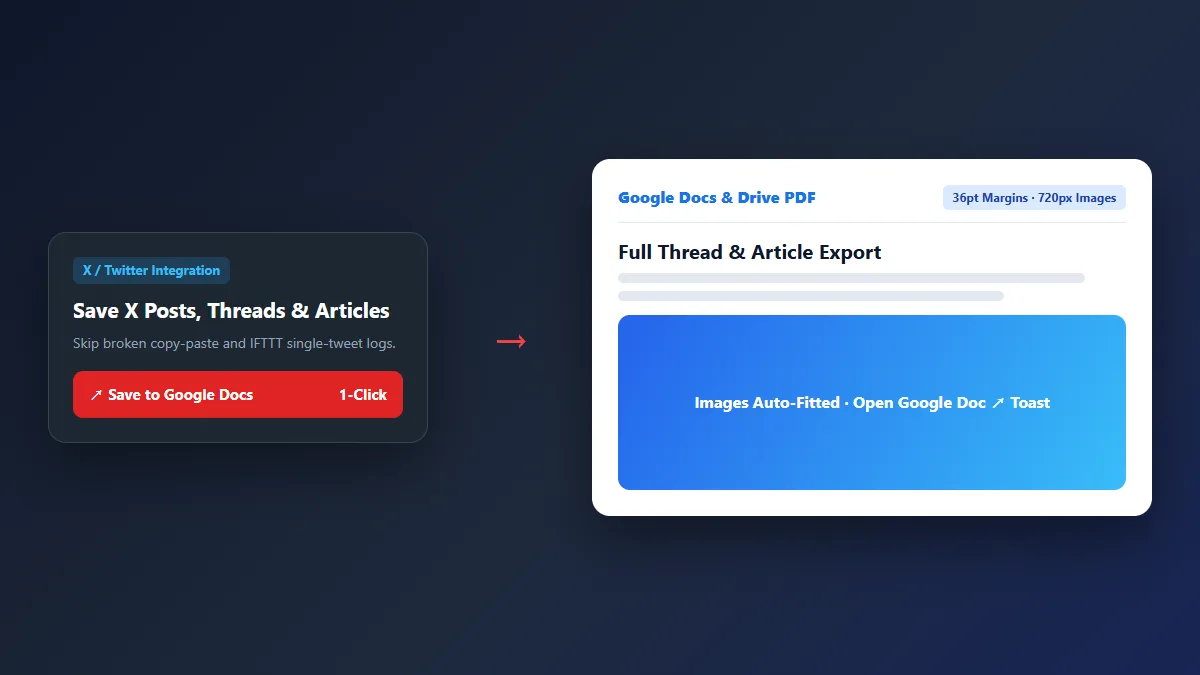
- Open any X post, thread, or X Article on x.com and right-click the red PDF icon from X Article to PDF (or click the toolbar popup).
- Select ↗ Google Docs to convert the post into an editable Google Doc with narrow
36ptmargins and720pxauto-fitted images, or pick ↗ Google Drive (PDF) to archive the vector PDF in Drive. - Click Open Google Doc ↗ in the top notification bar when finished, or reopen the saved cloud link later from Export History.
Bookmarks break when an author edits or deletes a post, and PDFs are hard to annotate with teammates. If your team drafts research briefs or content libraries in Workspace, you want a direct X (Twitter) Google Docs integration that turns any post, self-thread, or long-form X Article into an editable Google Doc — images included.
Why manual copy-paste and IFTTT applets fall short
If you search how to save tweets to Google Docs, most results point to automation webhooks or manual copying:
- Automation webhooks (such as IFTTT): only log your own newly published tweets going forward. They cannot reach back to export another creator’s thread or capture full X Articles with inline images.
- Browser copy-paste: grabs avatars, reply buttons, timestamps, and collapsed media URLs while breaking headings and blockquotes inside Google Docs.
Saving directly from the browser solves both gaps: the extension reconstructs the exact Article blocks or author self-thread from X’s own data before converting it into clean Google Docs HTML.
How to save X posts, threads, and X Articles to Google Docs
- Install X Article to PDF in Chrome or Edge. If saving an already-open thread tab, reload the page once (
F5) so the full thread data is captured. - Right-click the red PDF icon in the post’s action bar (or click the extension icon in your Chrome toolbar) and choose ↗ Google Docs.
- On your very first cloud export only, sign in and click Continue on Chrome’s on-demand OAuth prompt for the narrow
drive.filescope. Uploading starts immediately afterward without needing a second click. - Wait a few seconds for images to resize and upload; click Open Google Doc ↗ in the top banner to edit right away.
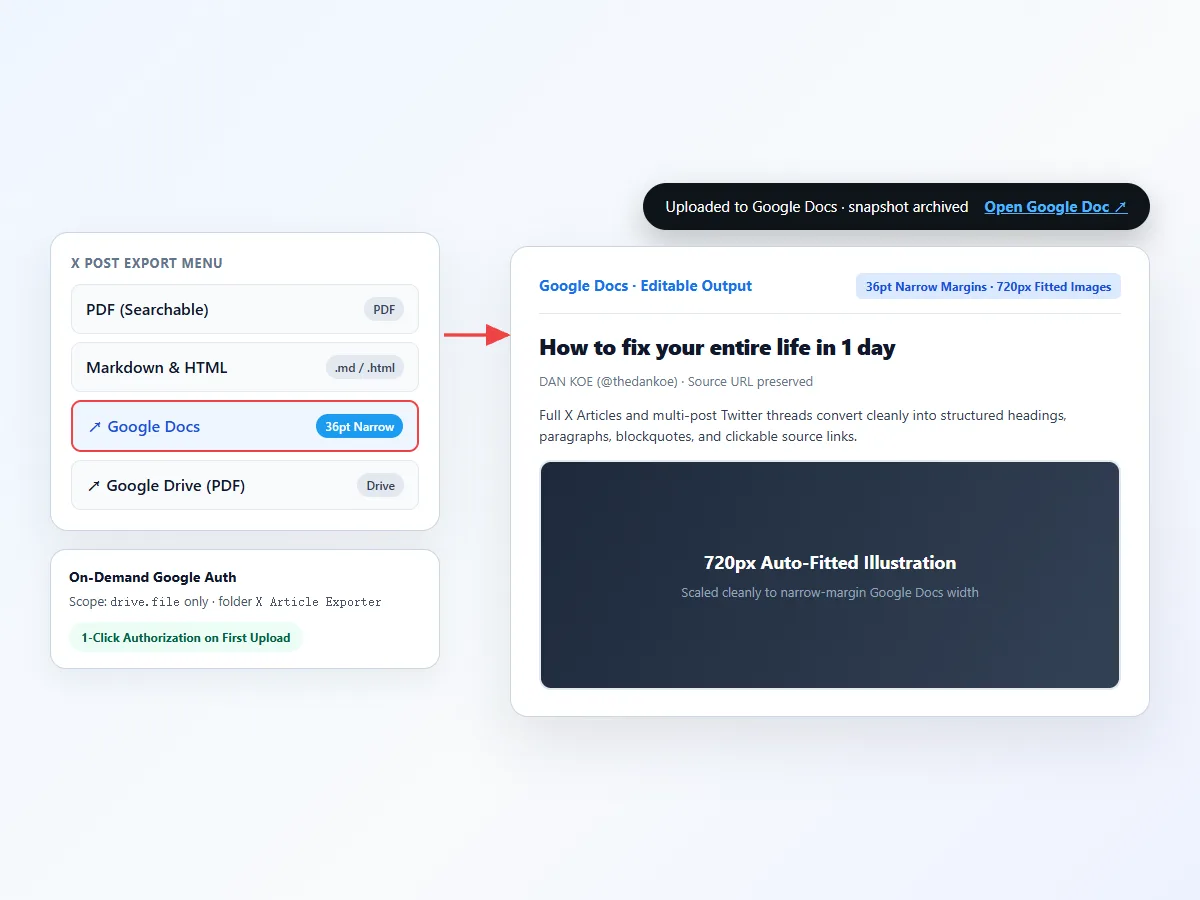
Each Google Doc preserves H1–H4 headings, bold and italic text, blockquotes, lists, source attribution links back to the original X post, and embedded illustrations scaled precisely to the 720px narrow-margin frame.
How to save a Twitter thread or X Article to Google Drive (PDF)
Prefer an uneditable, print-ready layout in cloud storage? Choose ↗ Google Drive (PDF) in the same menu. The extension renders a full vector PDF in a silent background tab and uploads it into an X Article Exporter folder in your Google Drive root directory.
Even if you initially exported a post locally as PDF or Markdown, you can open your local Archive later and click ↗ Google Docs on any saved snapshot card to push it to Docs in seconds without revisiting x.com.
Twitter Google Docs integration: 1-Click Extension vs Alternatives
| Method | Works on others’ posts & X Articles | Preserves images & headings | Setup effort |
|---|---|---|---|
| X Article to PDF (Google Docs) | Yes — Articles, single posts, full author threads | Yes — 36pt narrow margins & 720px fitted images | 1-click (on-demand Google consent) |
| IFTTT Twitter → Google Docs | No — only your own new tweets going forward | No — plain text append log only | Requires webhook rules & triggers |
| Manual copy-paste | Partial (requires scrolling long threads) | Broken spacing & missing screenshots | Slow manual cleanup per post |
On-demand OAuth privacy: why drive.file stays minimal
Local exports (PDF, Markdown, HTML, and local Archive snapshots) never trigger any Google prompt or network upload. Cloud authorization runs strictly on demand when you click a Google option and uses Google’s non-sensitive https://www.googleapis.com/auth/drive.file scope — restricting access solely to the X Article Exporter folder and documents created by the extension itself.
Files transfer directly from your Chrome browser to Google Drive REST API v3; neither GoodExts nor any third-party relay sees your tokens or exported posts. See the privacy policy or how to archive X Articles offline for full details.
Frequently asked questions
How do I save an X post or Twitter thread to Google Docs in one click?
Open any X post, thread, or Article on x.com, right-click the red PDF icon from X Article to PDF (or open the toolbar popup), and click Save to Google Docs. On first use, grant the minimal drive.file permission and Chrome uploads directly from your browser with an Open Google Doc link in the top toast.
Why use this X (Twitter) Google Docs integration instead of IFTTT?
IFTTT applets only trigger on future tweets you publish yourself and strip long X Articles or multi-image threads. X Article to PDF lets you export anyone’s full X Article or multi-post self-thread on demand with headings, quotes, links, and images preserved inside an editable Google Doc.
Will images fit the Google Docs page width without overflowing?
Yes. The Google Docs converter sets narrow 36pt page margins by default and scales embedded images to fit the 720px content width cleanly so long charts and screenshots are not clipped.
Can you access other files in my Google Drive?
No. The extension only requests Google’s non-sensitive drive.file scope on demand when you click a cloud upload button. It can only access the X Article Exporter folder and files it creates itself.
Where can I find the Google Docs link later?
Every uploaded Google Doc and Drive PDF link is stored alongside your local offline snapshot inside the extension’s Export History / Archive page, so you can reopen it in one click anytime.
Save X Articles and threads as PDF in one click
Free Chrome extension. No account, no servers, no tracking.